Emulation on Linux has made significant progress for video games, notably thanks to Valve (the company behind Steam) and its Proton tool, as well as Wine for other Windows software.
However, Microsoft’s proprietary software remains, for many, exclusive to Windows (sometimes compatible with macOS), to the point where one might wonder if this isn’t a deliberate decision by Microsoft. For example, it’s impossible to install PowerBI, a data visualization software, on Linux.
I’m a computer science student, and my personal computer only has Ubuntu installed because I have a single disk and don’t want to partition it for a dual-boot with Windows, which would only serve one piece of software. Yet I need to use PowerBI.
For now, I’ve been content to use this software on university computers, but I wanted to be able to use it on my personal computer. One day, while browsing YouTube recommendations, I came across a video featuring a free and open-source software WinBoat. I installed it, and—miraculously—it worked!
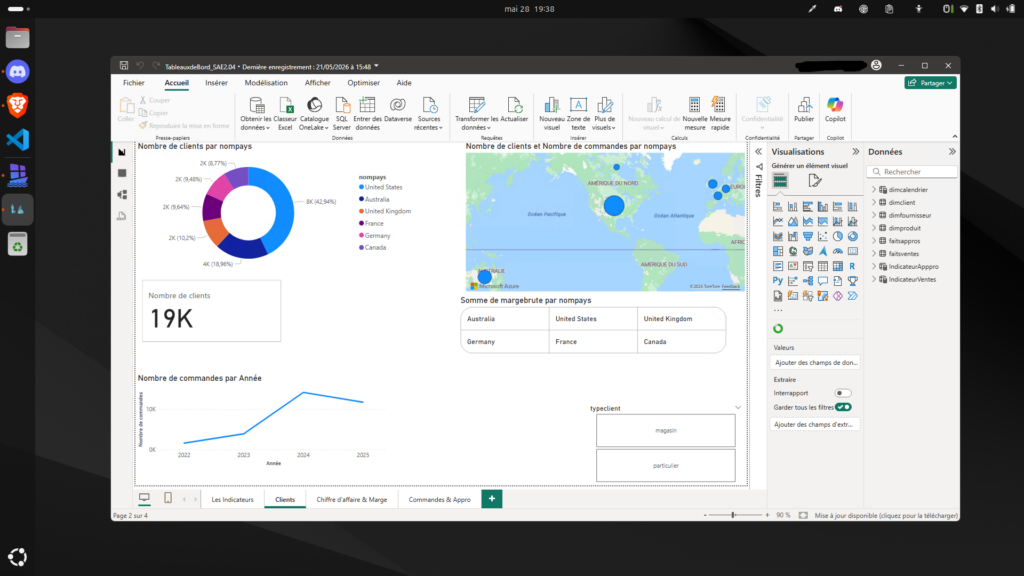
PowerBI now runs on my Ubuntu computer in a window, as if it were a native application.
In reality, I had to install it from the Windows interface, which can be accessed in a web browser at the IP address 172.0.0.1:{port specified by the software}. But once that’s done, I can launch it directly from WinBoat.
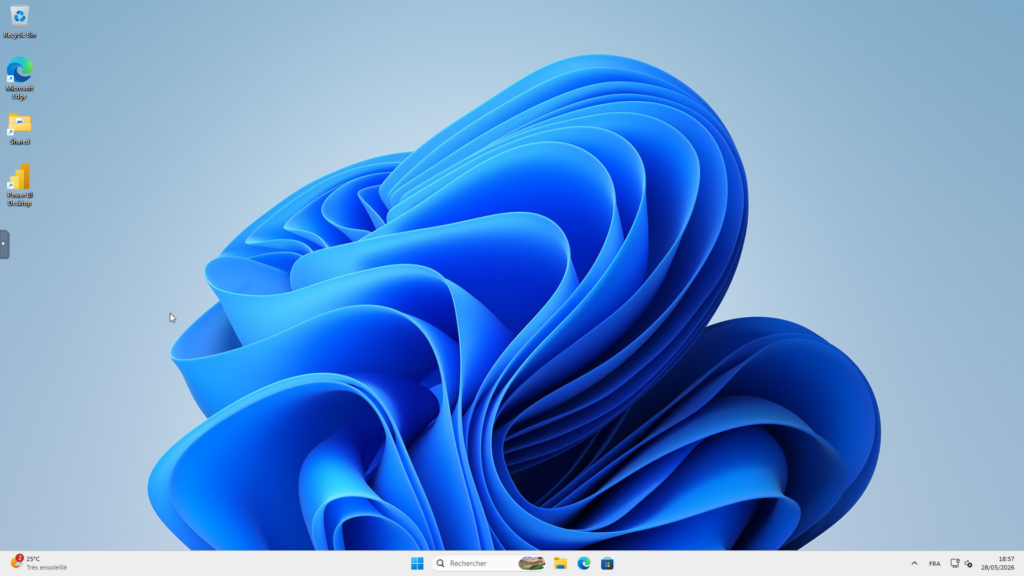
The Windows menu above is actually what 127.0.0.1:47272 displays in my web browser (set to full screen), meaning a page hosted on my localhost. It shows a complete Windows installation, though it’s a bit slower than a native one. However, there’s no need to access it for anything other than installing new software.
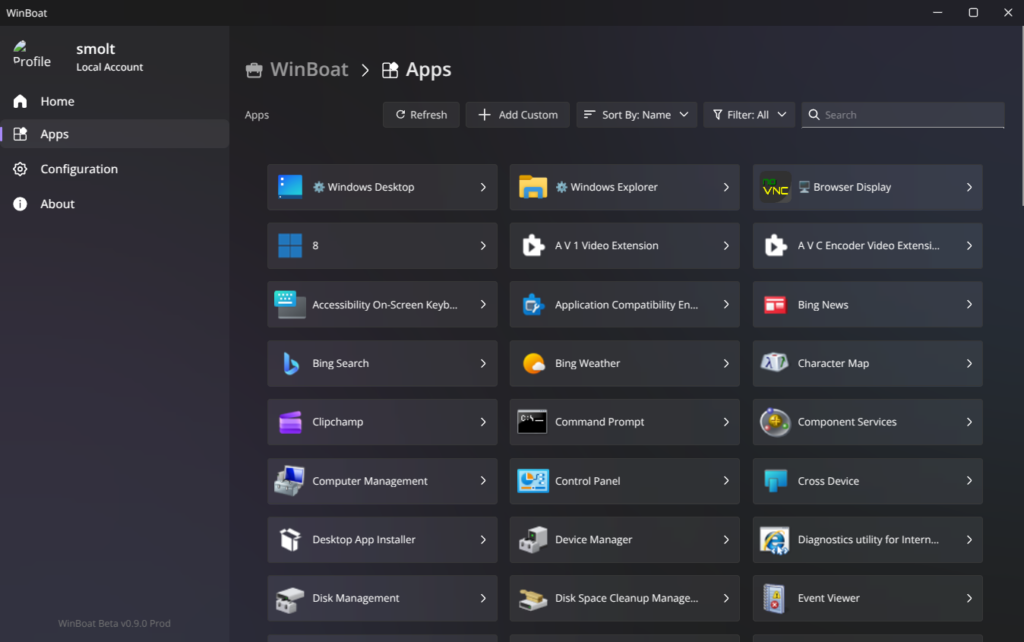
Indeed, to launch applications directly in Linux windows (which will run just as smoothly, if not identically, to native ones), all you need to do is use WinBoat’s menu.
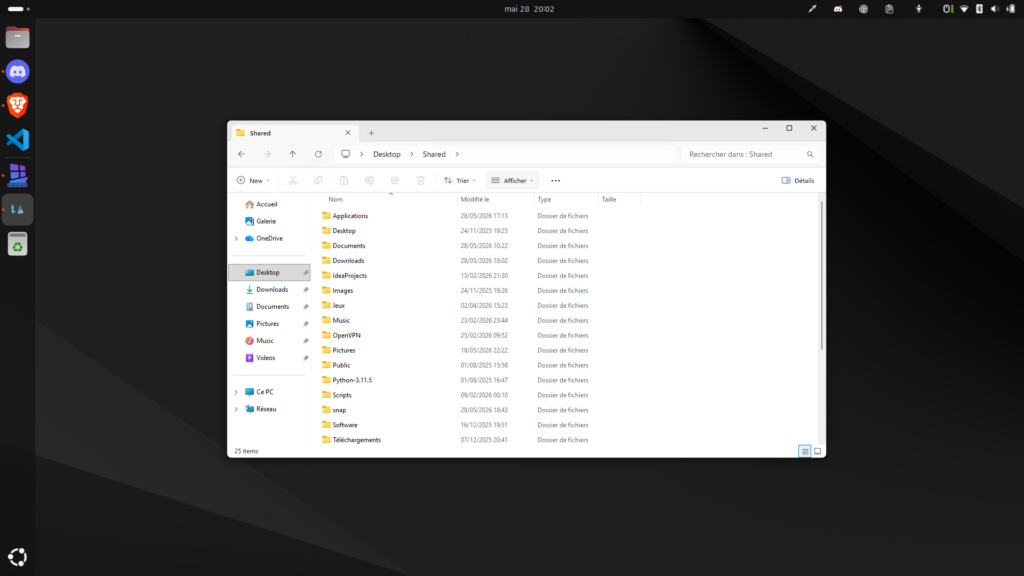
Finally, I can share my home directory with the Windows drive. Unlike a traditional virtual machine, it is therefore possible to access my locally stored files on my computer. I can also copy and paste text between the Linux system and Windows windows.
But what about the battery? Technically speaking, it is still a virtual machine, so it is obvious that energy consumption is affected. However, it is possible to turn it off and on easily and very quickly (a few seconds to start up, certainly made easier by my computer's specifications, which far exceed the minimum requirements).
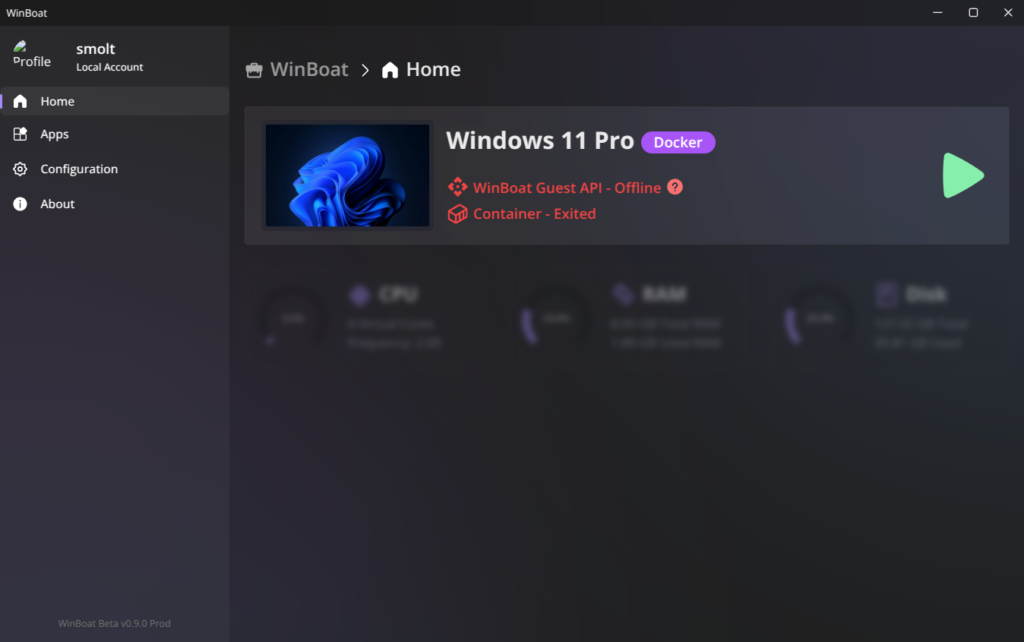
The advantage compared to a virtual machine that you could run on VirtualBox or VMware is that the integration is almost invisible, with everything working as if it were native. Of course, you need to go through a launcher to start the software, but that's not a big deal. It may also be necessary to access the Windows screen from the browser for certain features, such as switching the keyboard to AZERTY.

Leave a comment